A free XMind alternative for presenting over Zoom
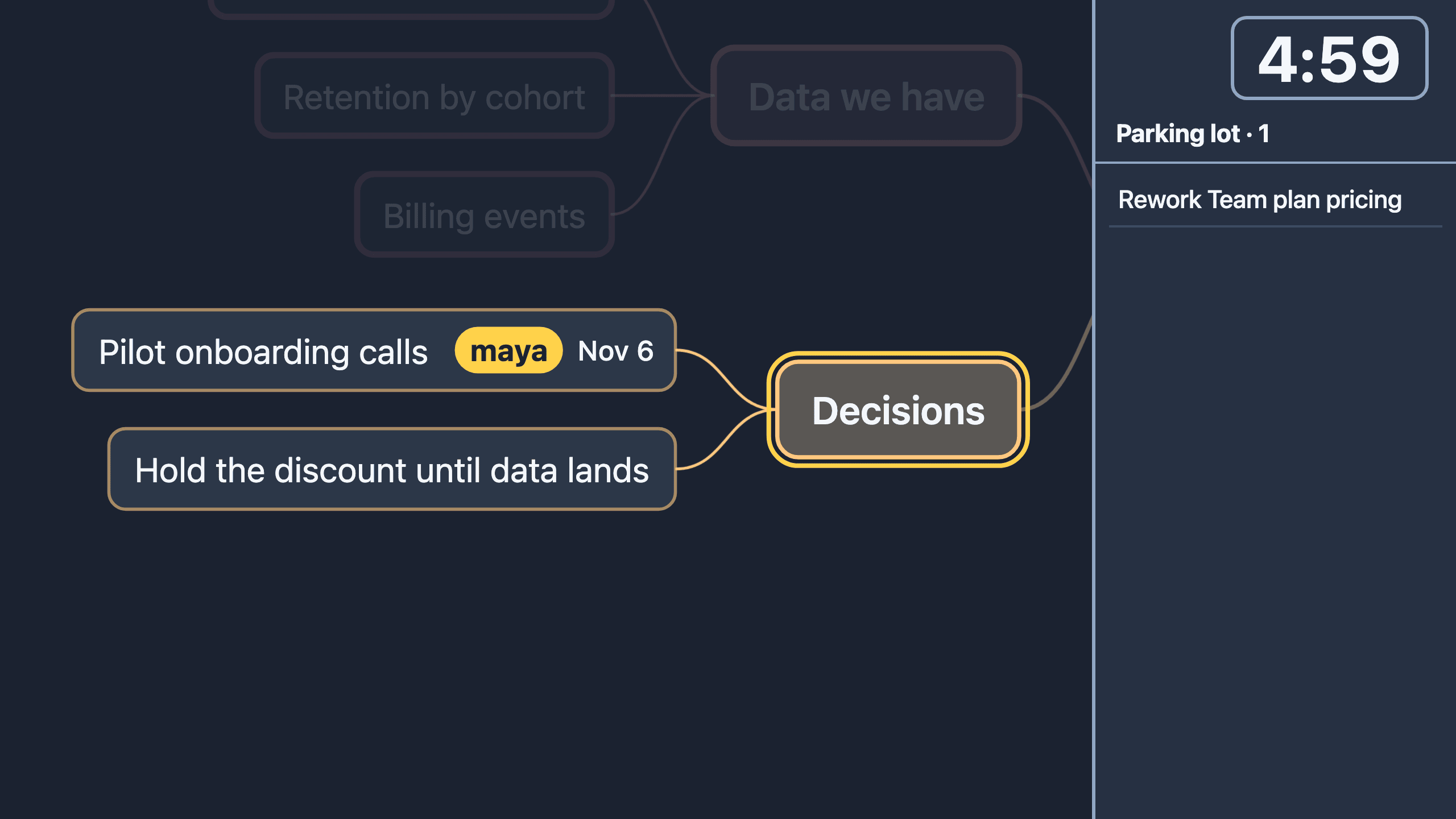
Enginely Stage, the mind map for meetings over Zoom, is a free XMind alternative for running a live discussion. It imports .xmind files and adds presenter mode, a follow link, a timer and action items. It has no shapes, images or AI, so XMind stays better for authoring.
How does Stage compare with XMind?
Stage runs a discussion on a map. XMind builds the map.
| Stage | XMind |
|---|---|
| Live meetings: presenter mode, follow link, timer, parking lot | Authoring: a mature tool for building maps |
| Styling: four level styles, eight branch colors, bold, a few markers | Shapes, free colors, fonts, a full styling panel |
| Images: none | Images, icons and stickers |
| Tasks: action items by owner and due date | A Gantt view and other task views |
| Structure: no boundaries, summaries or relationship lines | Boundaries, summaries and relationship lines |
| Apps: a web app, installable as a PWA | Native desktop apps |
| AI: none | AI features |
Stage also has no accounts or cloud save yet, and one person edits at a time. Check XMind's own site for its current features.
Who should stay on XMind?
Stay on XMind if your maps are styled deliverables passed around as files. Author there, then import the file into Stage for the live session. If the map is made during the meeting, open Stage, type and press P.
Can I switch without relearning the keys?
Yes, the structural keys follow the XMind model. Enter adds a sibling, Tab a child, Space or F2 edits, and typing replaces a selected node's text. The full shortcut reference lists the rest, and Stage reads .xmind files, so you can open an existing map online.
Frequently asked questions
Is Enginely Stage a full replacement for XMind?
No. It covers keyboard-driven mapping, presenting and sharing a live discussion, but has no shapes, images, Gantt view, boundaries, desktop apps or AI, so keep XMind for authoring-heavy work.
Can I open my existing XMind maps?
Yes. Drag an .xmind file (2020 and later format) onto the editor; structure, notes, labels and common markers come across, but XMind styles, images, links and relationships do not.
Is it really free?
Yes, it is free during early access, with no account. No import or export format is paywalled.
Does it work offline?
Editing and presenting do: the app installs as a PWA and saves maps in your browser. The follow link needs a connection.